


Ambient Scribe
Clinical documentation.
Product background.
Ambient Scribe is a clinical documentation platform from Phiniti AI. It captures visit conversations, generates notes for provider review, and sends supported information to connected EHR systems.
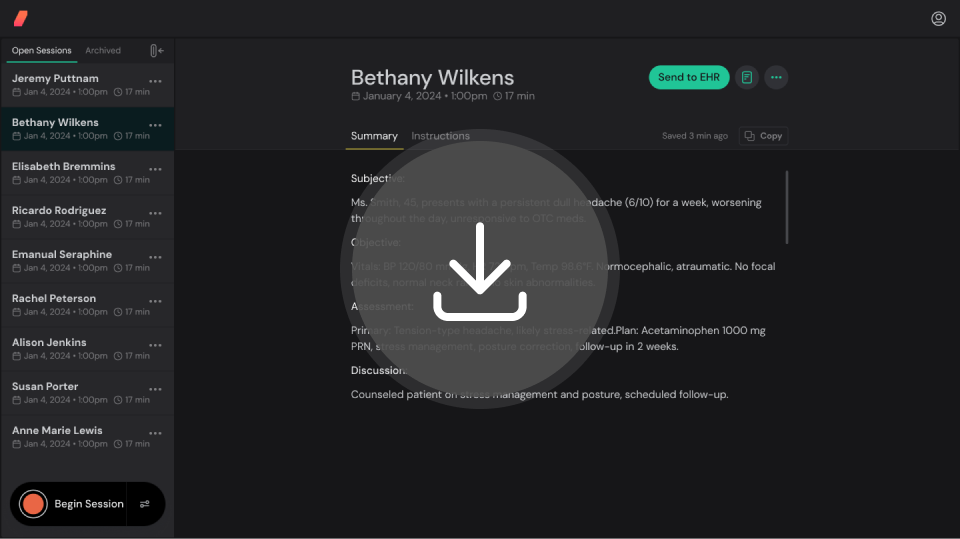
Ambient Scribe and the Clipboard
The Clipboard brings together visit conversations, photos and documents. Providers review the generated note and choose what supported information to send to the chart. Available fields and actions depend on the EHR integration and configuration.
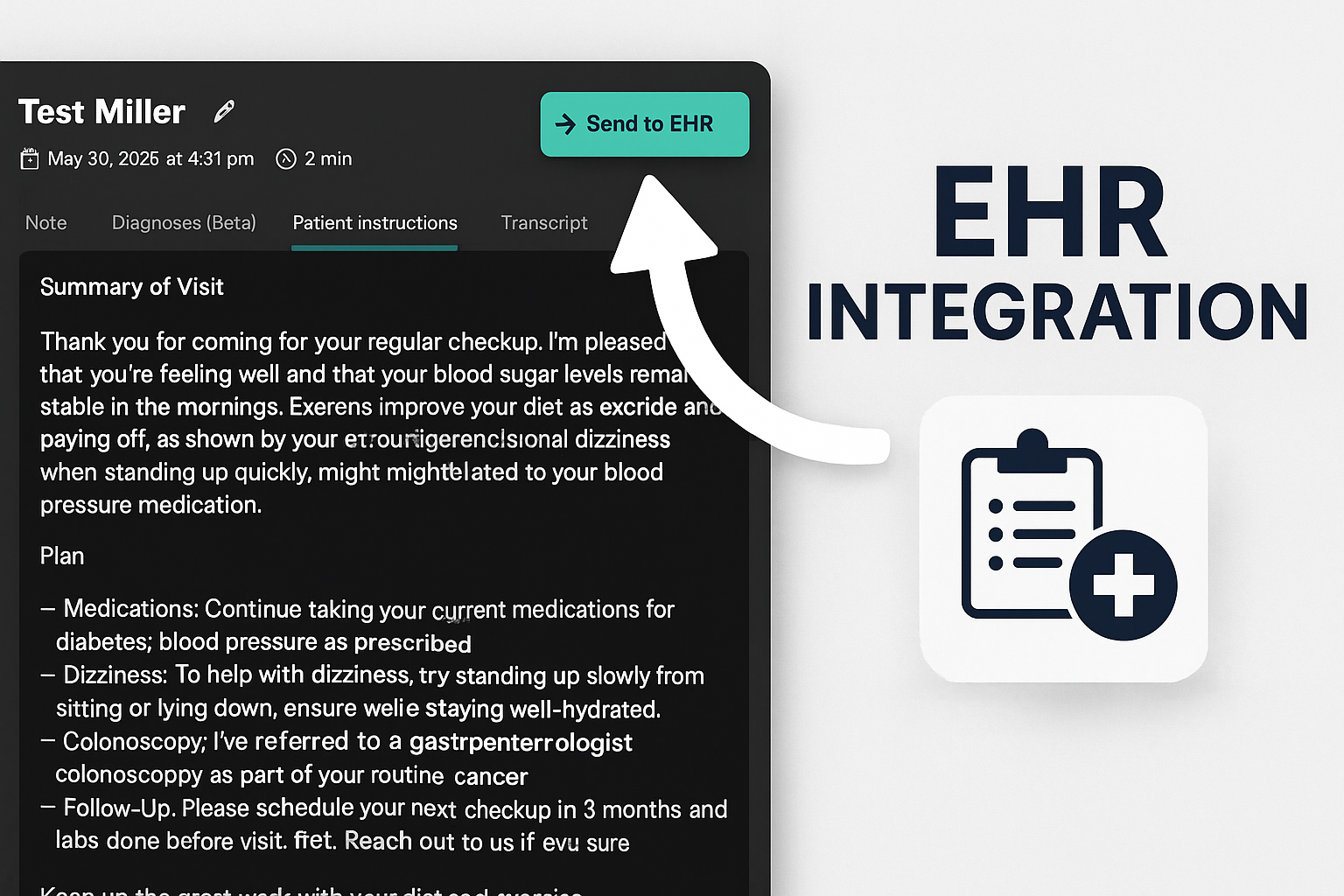
Key Features & Benefits
An overview of the platform's documentation and review workflows.
Visit capture
Capture conversations and review generated documentation.
Automated Documentation
AI generates draft clinical notes from natural conversations for provider review.
Security resources
Review the privacy policy and terms for information about data handling.
Ambient Listening
Seamlessly captures patient encounters without disrupting workflow.
How Ambient Scribe Works
The documentation workflow moves from conversation capture to generated notes and provider review.

Listen
Ambient listening captures natural conversations between providers and patients
Process
AI analyzes and extracts relevant medical information from conversations
Document
Generates structured clinical notes and integrates with your EHR system
How Ambient Scribe Works
Document a visit, start to finish
Short, interactive walkthroughs of the real Ambient Scribe workflow.
 1:19
More than a recording
One Visit. One Shared Clipboard.
 1:52
Skip the re-entry. See the chart update.
From the Clipboard Into TouchWorks
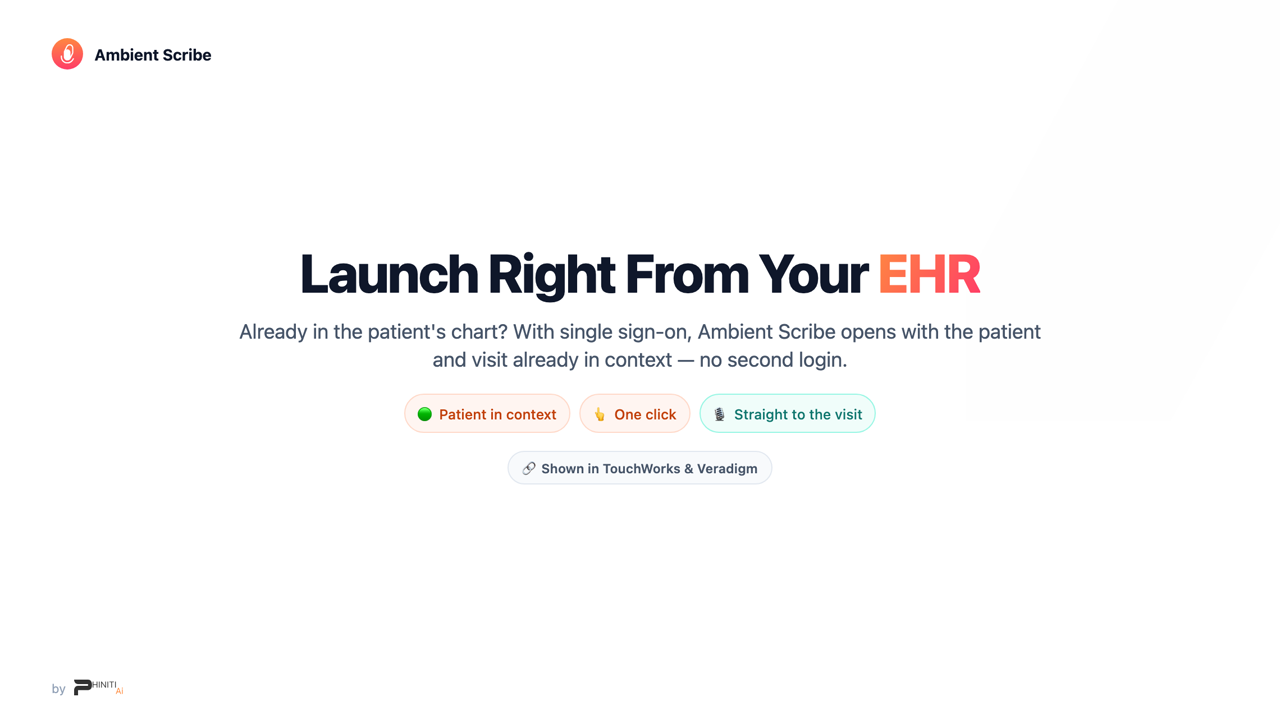 2:17
Single sign-on
Launch From Your EHR
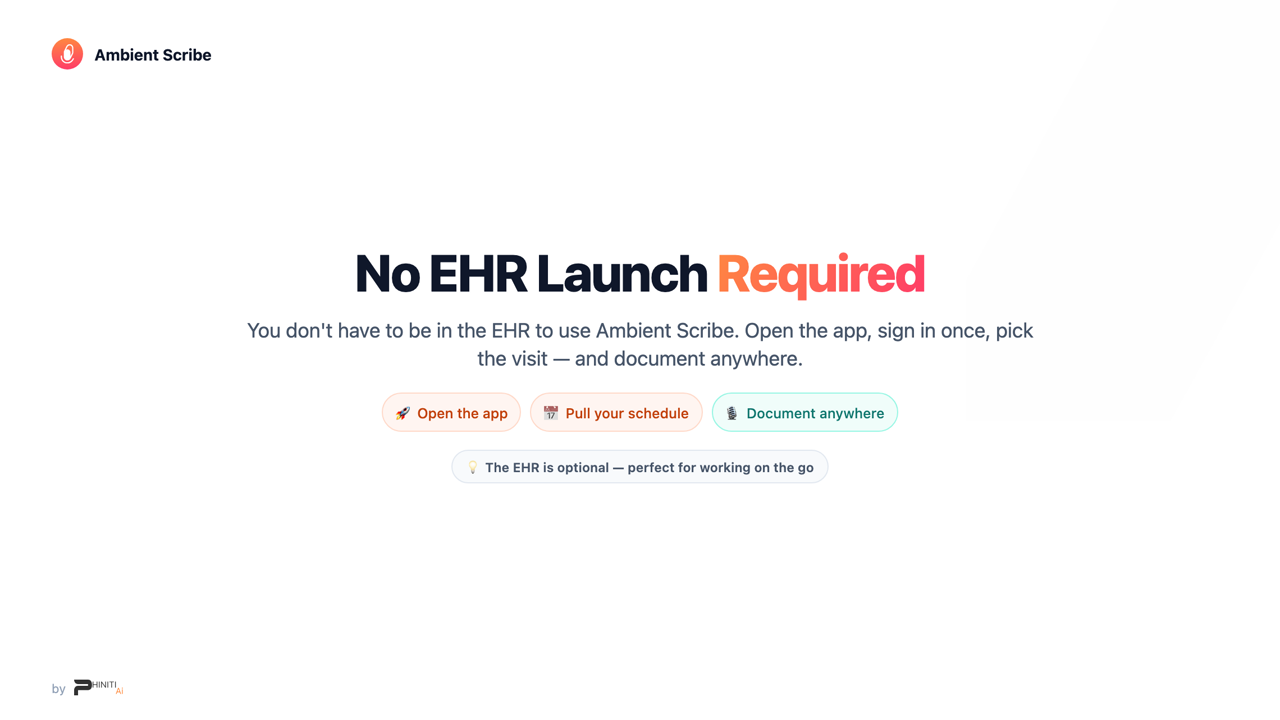 2:21
Document anywhere
No EHR Login Needed
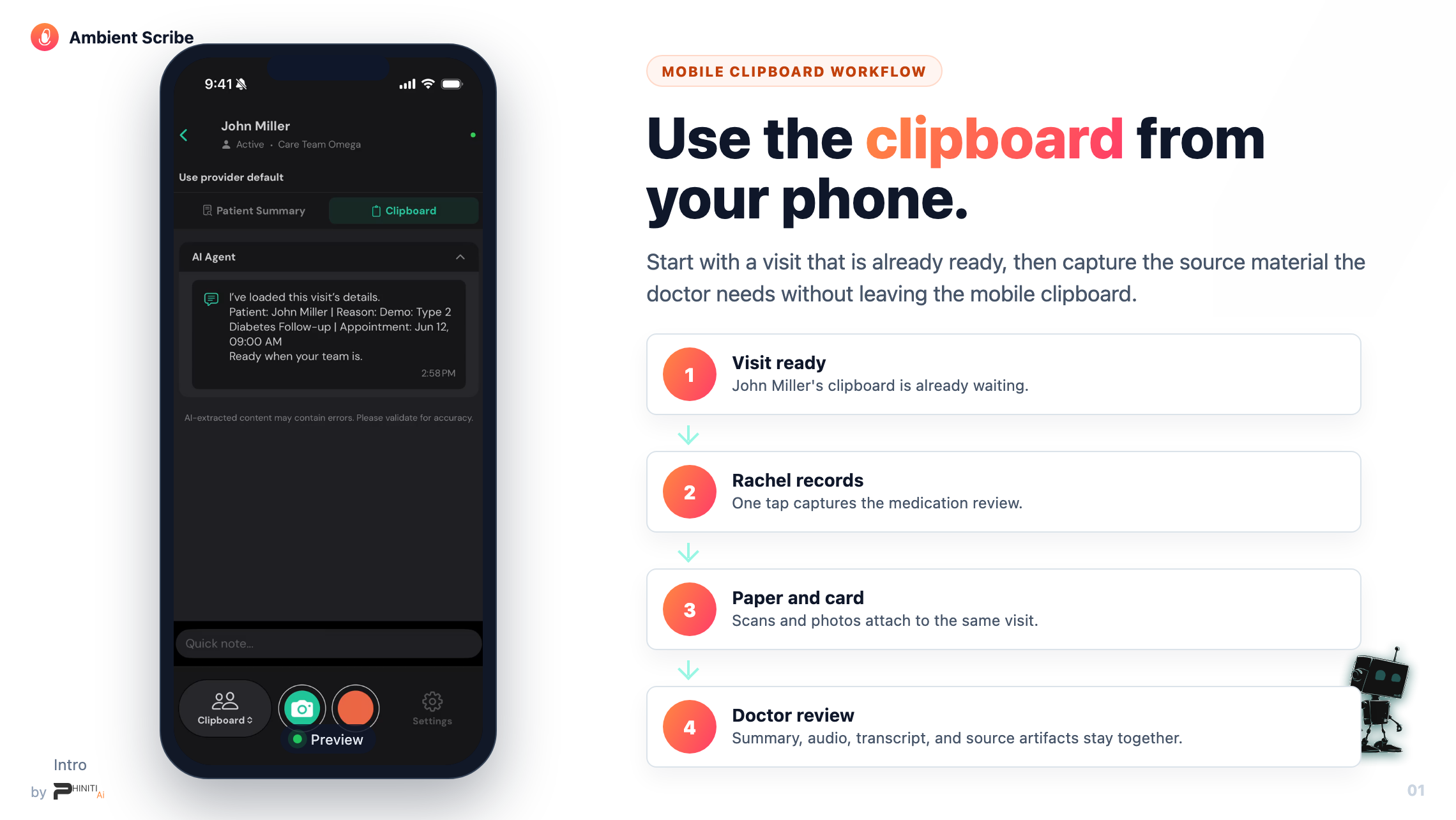 2:13
On your phone
Use the Clipboard on Your Phone
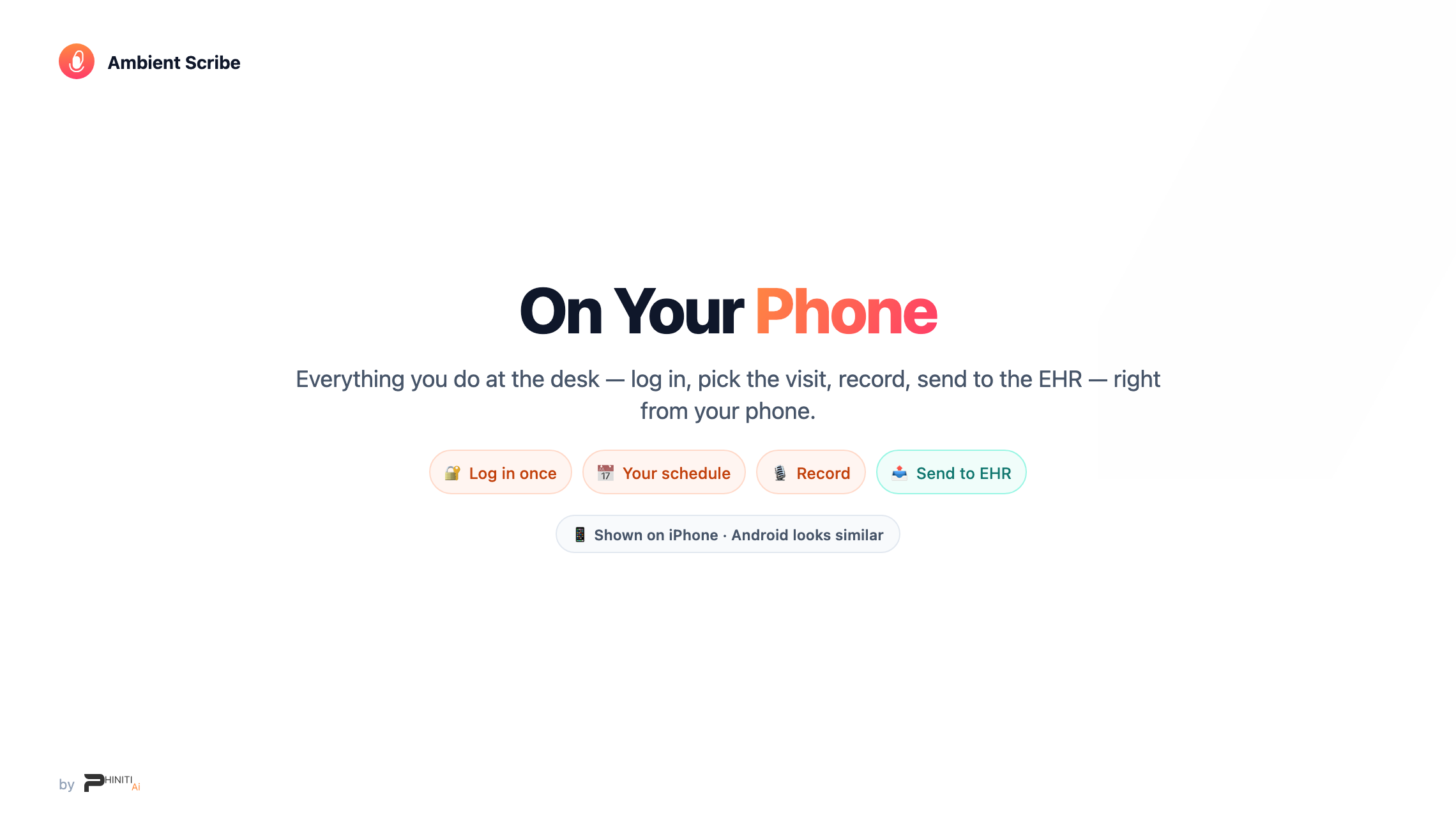 3:03
iPhone & Android
Document a Visit on Your Phone
The backbone
Capture, review and send supported information.
Ambient Scribe captures the visit and writes the note — then puts discrete data in your chart: including note sections, diagnoses, vitals and selected files in TouchWorks. The Clipboard brings together conversations, photos and documents for review before supported information is sent into the chart.
Extend your EHR anywhere
SSO with the patient in context, notes in the right chart sections, and documentation from the web or your phone — no heavy desktop, no VPN.
Agents that do the busywork
A Receptionist answers after-hours and escalates to a real person; an Outbound agent (in testing) works callbacks. Every call becomes a clipboard your team can act on.
Meet Phin
Phin is the AI assistant built into Ambient Scribe — it helps build your note templates and can be tagged on any clipboard to look something up, draft a message, or post work back into the chart.